

Leading up to the holidays in 2025, we're happy to share a series of content modeling pitfalls and guidance from Dmitry Bastron. Check out the other parts for all the tips from this experienced Kentico practitioner.
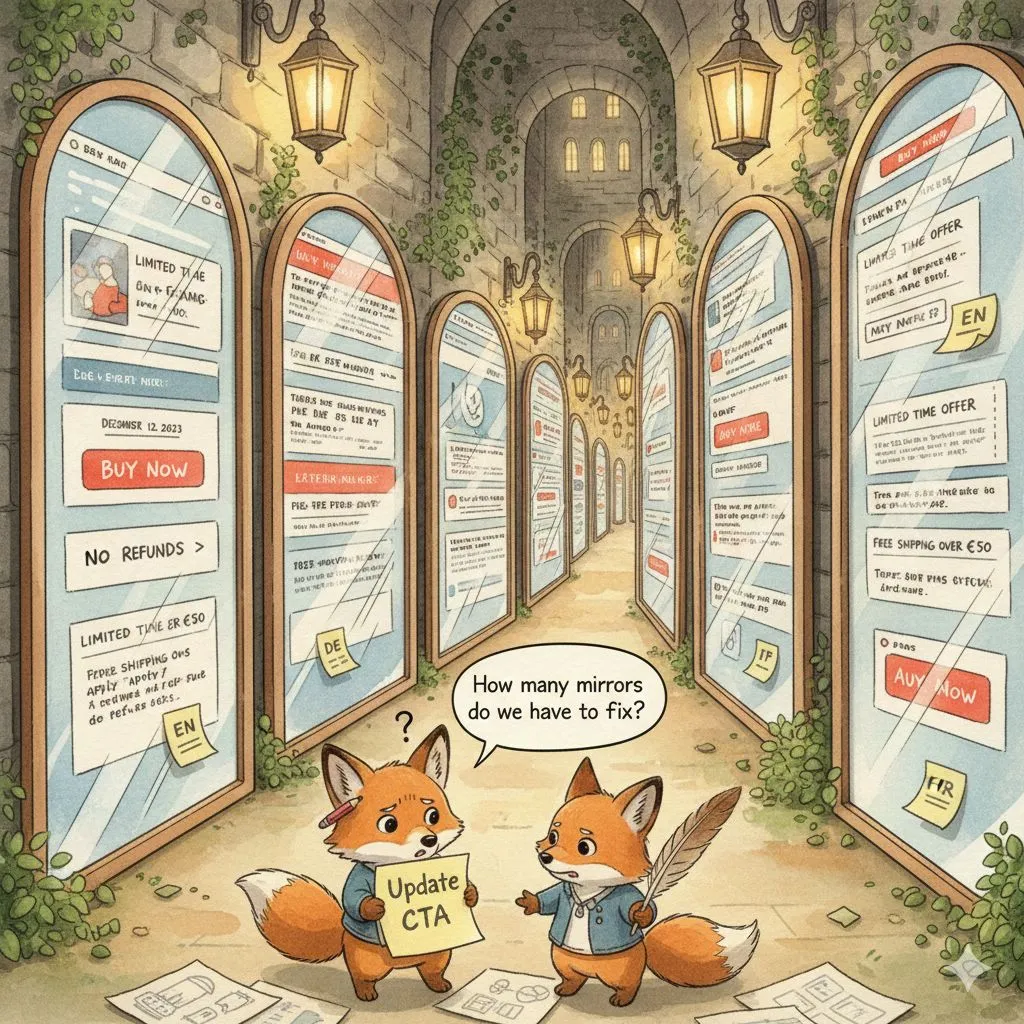
Day 13: The "Attack of The Clones" modeling
❌ The mistake
Cloning entire page trees per language or market (/en, /de, /fr) and treating each clone as its own "local site" — instead of modeling one shared core with language variants and market-specific overrides where it actually matters.
⚠️ What problems this creates
- Updates don’t propagate: EN changes, DE forgets, FR stays in 2023.
- Nobody knows which version is the "correct baseline" — just which one is least wrong.
- Editors maintain the same page N times... and slowly lose the will to live.
- Translation workflows become "export the clones", not "translate the content".
- Launching a new global section means rebuilding it 50 times.
🤦♂️ Why teams make this mistake
- Because it feels like the safest shortcut under pressure: ship one market, duplicate it, translate it, move on.
- Vendors love static page lists. PMs love anything that looks like progress.
- And nobody wants to design an override strategy when the deadline is breathing down their neck.
💸 How much it costs to fix
We saw this after consolidating 50+ countries into one site.
The first market was well-designed and then the rush launch happened: clone, translate, repeat.
Two years later, HQ wanted new global sections — and there was no central way to roll them out.
Refactoring after 50 launches was too expensive, so marketers ended up populating new sections separately per market, with no real translation governance.
📘 Best practice
Kentico’s multilingual approach is built for shared content + variants (not content forking):
💬 Have you worked on such a website? Drop your best locale-clone horror stories 👇

Day 14: The "Very Rich Text Editor" Fantasy
❌ The mistake
Starting a project without a clear content strategy and "solving" the uncertainty by making the rich text editor VERY rich.
Text, images, videos, cards, and even listings 😲 — all pushed into the RTE as plugins instead of being handled by the content model.
⚠️ What problems this creates
- Editors build one-off layouts that can’t be reused anywhere else.
- Images aren’t responsive, can’t be cropped properly, and alt text becomes optional "future work".
- Videos lose the nice stuff (overlays, captions, tracking) because they’re just "an embed in text".
- Cards inside RTE don’t carry the structured fields or schema markup your SEO team expects.
- Every redesign becomes a content migration project ("extract the HTML soup and pray").
- Developers can’t query or personalize reliably — because everything is trapped inside a blob.
🤦♂️ Why teams make this mistake
Because it feels like the fastest way to unblock everyone:
- "Just give editors freedom."
- "We’ll figure out the real model later."
And when someone asks "what if we need images... and cards... and maybe a listing?" the RTE quietly turns into a DIY page builder — with worse governance.
💸 How much it costs to fix
One plausible one: 300 marketing pages go live with "smart" RTE blocks (images, videos, carousels, accordions, related cards).
Six months later, the team defines a real component strategy.
Refactoring into Page Builder widgets and structured fields took ~80–90 dev hours, plus manual content migration by editors, because the old HTML rarely maps cleanly.
📘 Best practice
Kentico’s content modelling docs explain the differences:
💬 Have you seen an RTE that could basically build a whole page? What was the wildest "plugin" it contained?

Day 15: The "Just a File" Blind Spot
❌ The mistake
Storing images and documents as bare files with zero real metadata — no alt text, no captions, no copyright or usage info — because "we just need a gallery" and nobody wrote non-functional requirements for media.
⚠️ What problems this creates
Accessibility audits become horror shows: "So… what exactly is on image_045_final_final2.jpg?"
You can’t prove what’s licensed for what, so reuse becomes a legal guessing game.
Editors hide info in file names or rich text instead of proper fields.
New channels (apps, email, kiosks) can’t show meaningful descriptions because there’s nothing structured to pull from.
Any migration to a DAM or new DXP turns into a spreadsheet-fueled archaeology expedition.
Retroactive fixes mean opening hundreds (or thousands) of files one by one.
🤦♂️ Why teams make this mistake
Because requirements usually say things like:
- "Show a nice image banner here."
- "Add a gallery to this page."
They rarely say:
- "Store alt text, caption, copyright, rights, and expiry for every asset."
So teams assume media is "just storage", wireframes only show pretty pictures, and accessibility and legal requirements sit in a separate document nobody connected back to the content model. The metadata gets postponed to "later" — and later arrives with a lawyer or an accessibility audit.
💸 How much it costs to fix
We inherited a 4-year-old site where the first project was: "Just add accessibility to comply with the new EU rules in 2025."
There were no fields for alt text on images.
So we had to:
- Add structured metadata fields to the media model
- Walk the entire media library
- Call a third-party AI API to generate initial alt text
- Let editors review and correct everything
All in, more than a week of dev and editorial time... just to catch up on something that should’ve been modeled from day one.
Now, in Xperience by Kentico, you can configure AIRA to auto-generate descriptions and alt text on upload — but doing it retrospectively still hurts.
👉 Configure AIRA
📘 Best practice
Kentico’s docs are very explicit: treat files as structured content with proper metadata and automation from the start:
💬 Have you ever had to retrofit alt text or copyright info across a giant media library?
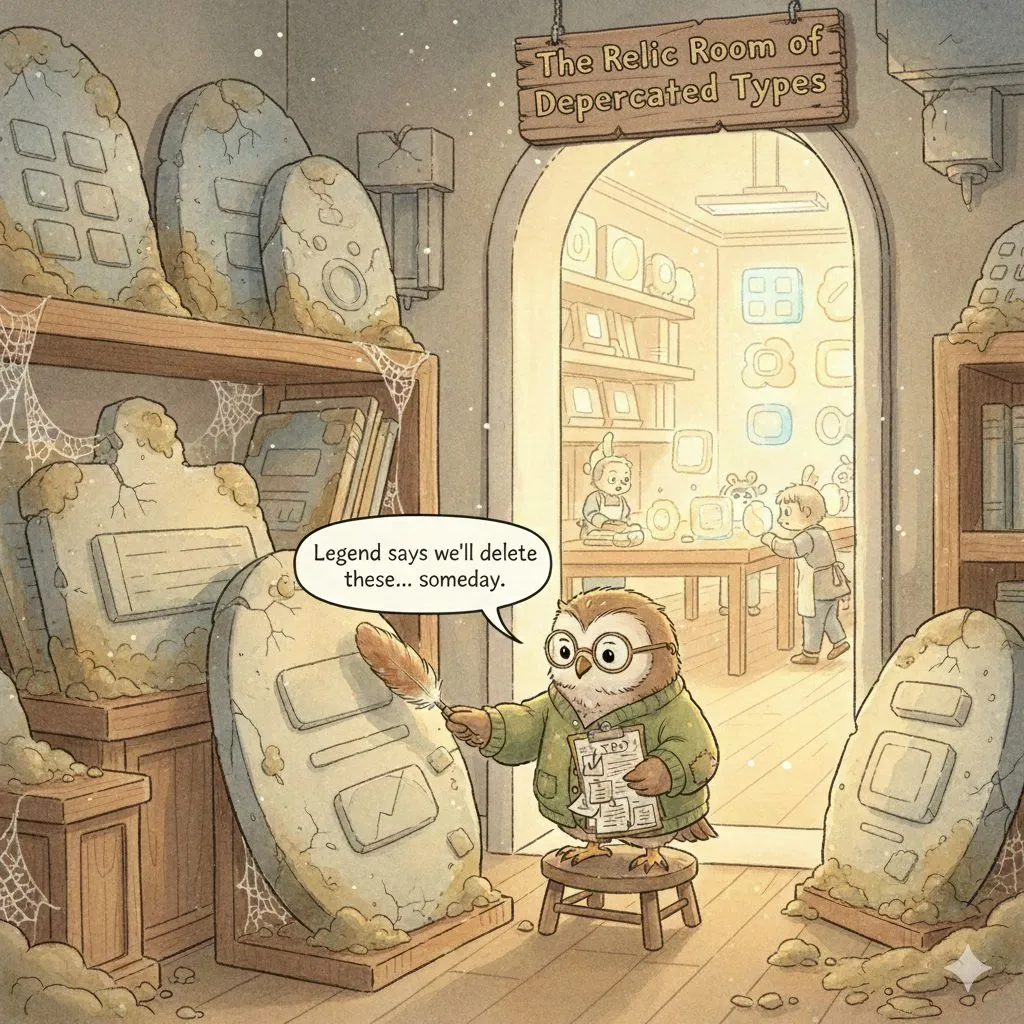
Day 16: The "Carved-in-Stone" Model
❌ The mistake
Treating your content model as a one-time architectural drawing that must be perfect, permanent, and never touched again.
Design it once, sign it off, deploy... and then keep piling new features and campaigns on top of a model that no longer matches reality.
⚠️ What problems this creates
- Old page types and fields linger "just in case" and nobody remembers what they were for.
- New campaigns get bolted on via hacks instead of clean model changes.
- Every new feature starts with "don’t touch the old stuff, we’re scared of breaking it".
- Tech debt quietly grows in both the CMS and codebase — queries, imports, widgets, all compensating.
- Editors see 10 obsolete types in the selector and always pick the wrong one.
- Any redesign or replatform turns into a painful archaeology dig through years of abandoned structures.
🤦♂️ Why teams make this mistake
Waterfall habits run deep. Many projects still start with:
- "Let’s design the whole content model up front so we never have to change it."
Add tight timelines, fear of migrations, and stakeholders who hear "schema change" and think "production outage" immediately, hence the model becomes sacred.
Instead of being a living thing that tracks your content strategy, it becomes a relic no one is allowed to touch.
💸 How much it costs to fix
A very real pattern:
Five years of marketing changes, three site redesigns, and zero model cleanups.
We had 20+ legacy page types, dozens of unused fields, and code that still checks for them "just in case".
A proper cleanup — auditing usage, deprecating types, migrating content, updating widgets and queries, then deleting the old stuff — easily runs into a few weeks of dev time and focused editorial effort.
Not because it’s hard, but because there’s so much cruft to unwind.
📘 Best practice
Kentico’s guidance is very clear: assume from day one that your content model will evolve — and plan how you’ll change it safely:
- Prepare your content for evolution
- Upgrade guide that explicitly treats migration as a chance to rethink and future-proof your model
Build regular content-model reviews into your roadmap (e.g., before big features or campaigns), deprecate types deliberately, migrate what still matters, and delete what doesn’t. Your future self will be grateful.
💬 Have you worked with a "carved-in-stone" model that nobody dared to touch?
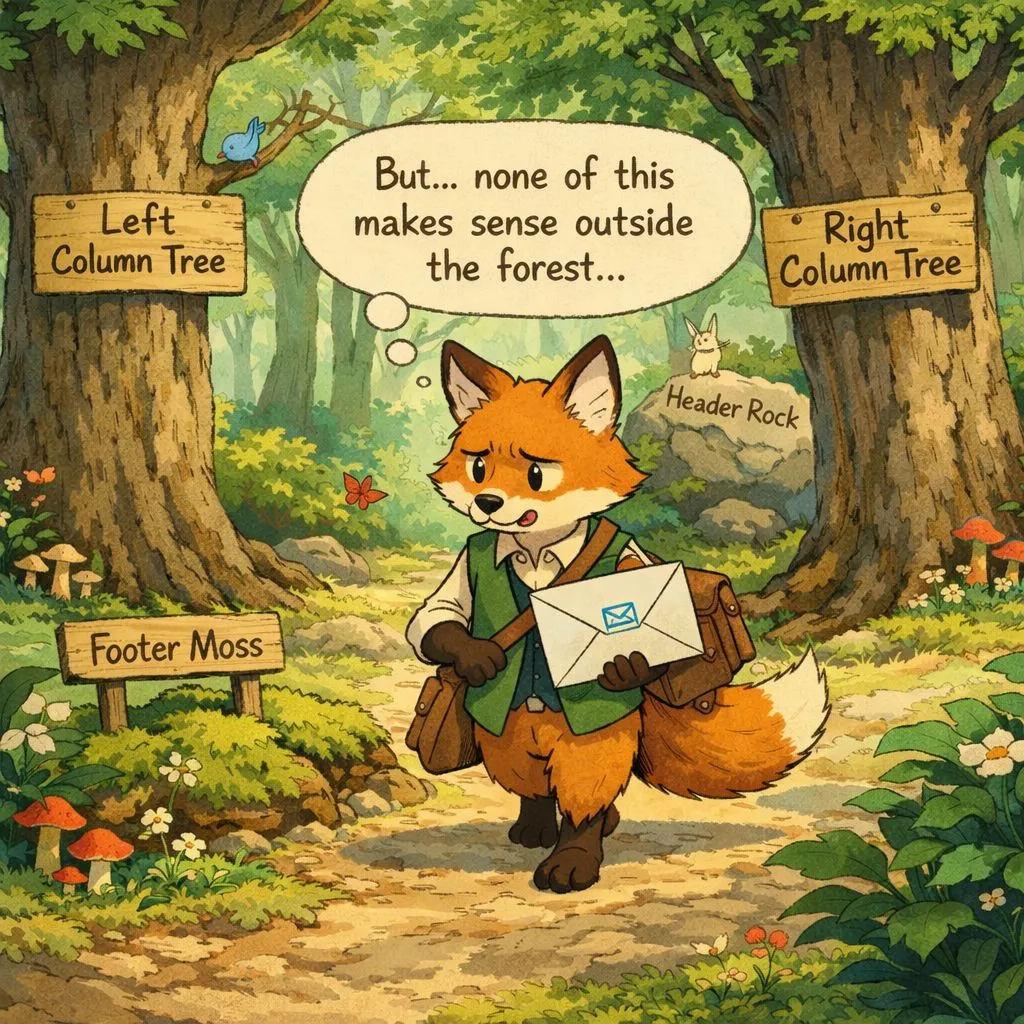
Day 17: The "Right-Column Text" Model
❌ The mistake
Modeling content fields based on the current webpage layout instead of meaning.
So you end up with fields like "Right column text", "Left shoulder block" (yes, real), "Card title", "Bottom CTA"... named after where the design puts them, not what they are.
⚠️ What problems this creates
- Reuse becomes impossible outside that exact layout (email says hi 👋).
- Editors start duplicating content because "the email needs a different box."
- Every redesign turns into "rename fields and rebuild mappings" theater.
- Reporting becomes comedy: "Top performing… left shoulder?"
- New channels feel like bolt-ons, because the model is like CSS classes with feelings.
🤦♂️ Why teams make this mistake
Because projects often get framed as: "deliver the design."
Under deadline pressure, teams model what they can see in Figma.
And when devs are the only ones naming things, the UI layout becomes the vocabulary — even for content that should travel across channels.
💸 How much it costs to fix
Real example: a site added an email channel after ~2 years.
Articles were built in a very "web-only" way, so marketers couldn’t reuse article content in newsletters.
Result: every email widget duplicated already-populated article content.
Fixing it meant remodeling article summaries as reusable content, updating widgets, and migrating existing content — plus re-training editors who’d already learned the "copy/paste newsletter" workflow.
📘 Best practice
Kentico’s content modelling guides are spot on here: model by meaning, then render per channel.
💬 Ever inherited a model full of "right column" fields? Or had email force a duplication apocalypse? Share your best ones 👇